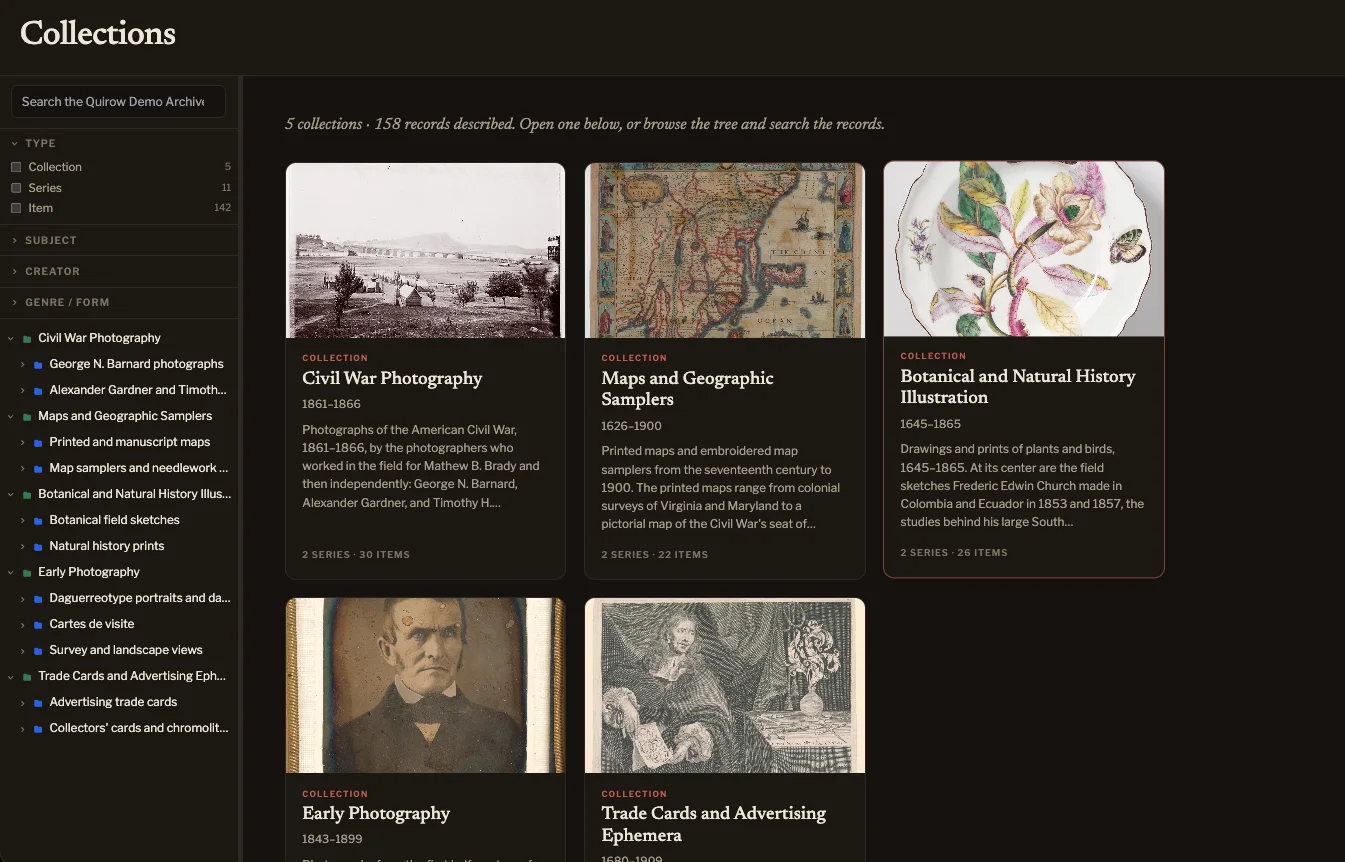
The public site
Browse it as a visitor
The archive’s own website: exhibitions, the collections, and the full archival description behind every object. No account needed.
The demo archive
The Quirow Demo Archive is a fictional repository built from real objects released by museum open-access programs: photographs, maps, samplers, botanical studies and trade cards, arranged into collections and series and described to DACS. Look at it from either side.
The public site
The archive’s own website: exhibitions, the collections, and the full archival description behind every object. No account needed.
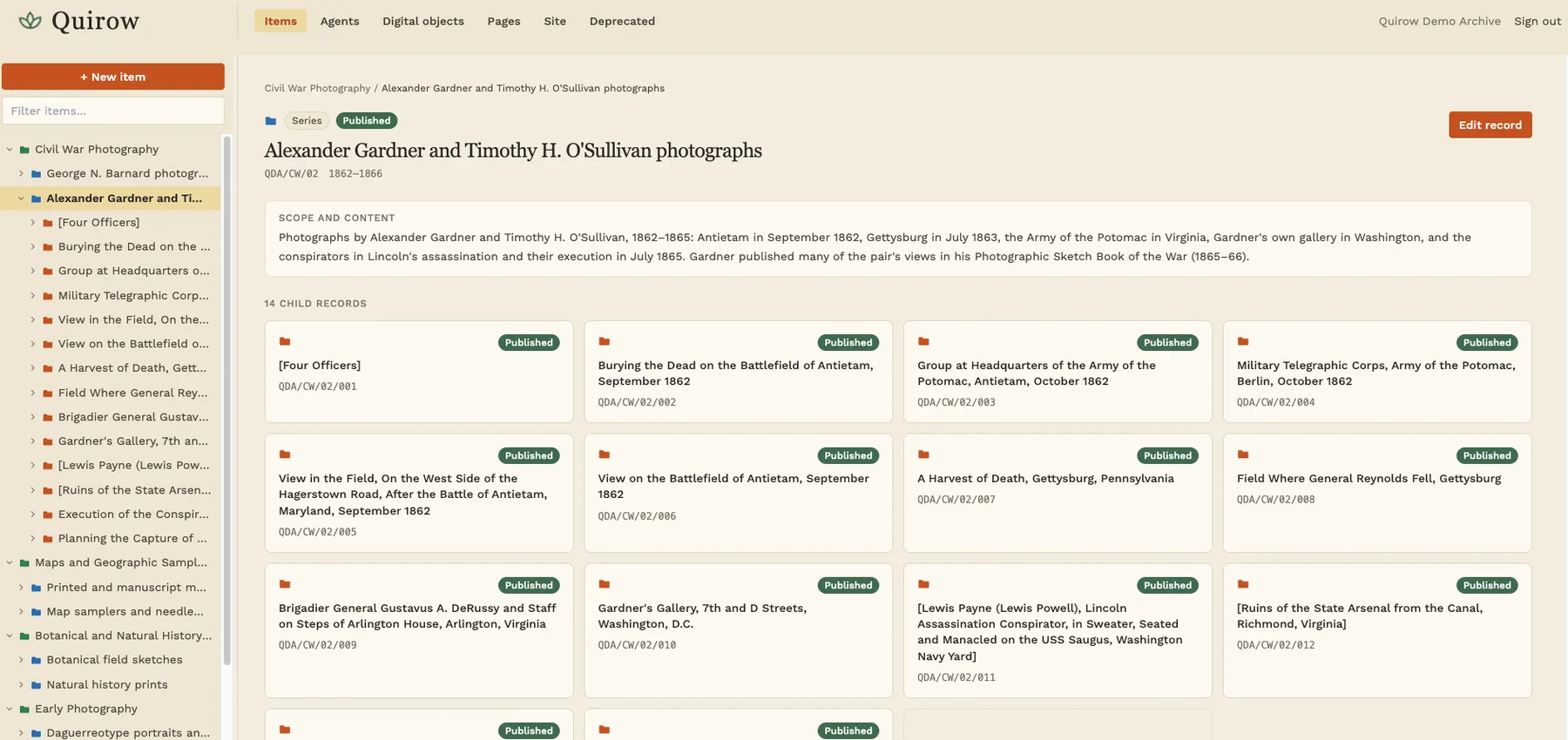
The admin
One click opens a private copy of the archive that only you can see. Describe a record, build an exhibit, publish it, and preview it as the public would. It disappears after 24 hours.
Before you start
A five-minute tour
Items opens on the collection tree. Expand a collection, pick a series, and every record beneath it is one click away, with its images attached at the level they belong to.
Open a record and choose Edit record, or start a new one. The DACS guide sits beside the form, required elements are marked, and name, subject and genre terms come from live Library of Congress lookups.
Under Pages, open one of the three exhibitions. Drag blocks into a new order, add an item card for a record you described, and rewrite the curatorial text.
Set a record or a page to Published and save. A record missing an element DACS requires is stopped before anything is written, with the missing fields named.
Under Pages, choose Preview. It renders your exhibit exactly as the public site would, while your copy stays private. demo.quirow.com shows the original.
Prefer to look without signing in? The public site is open to everyone. Questions about what you saw, or about using Quirow for your own collection, go to hello@quirow.com. Or read how it works.